Tavletta
Tavletta designs labels under Linux and prints them over the network or USB: on label printers with endless tape or die-cut labels, and on office printers, one label per page or on label sheets. It talks to each printer in its own language.
Tavletta is Romansh for a small tablet (from tavla, table/board). Pronounced tav-LET-ta.
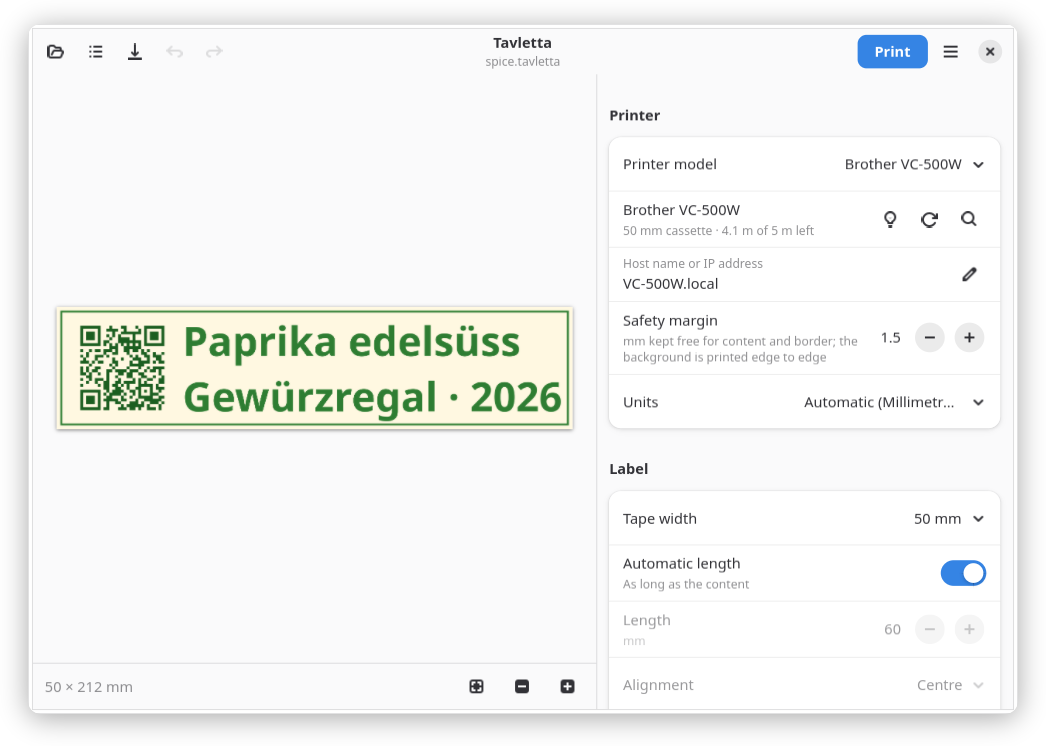
- Text, images, symbols, QR codes and barcodes of many types; backgrounds printed edge to edge
- Text styles, lines and shapes, and a free layout with each element at its own place; undo and redo
- Preview at print resolution: what you see is what is printed
- Endless tape as long as the content, or die-cut labels of any size
- Serial labels: one label for each row of a CSV, ODS or XLSX file; variables such as date and counter, and a command line
- Label sheets on office printers, and shipping labels from a carrier's PDF
- Finds the printer in the network and on USB, reads what is loaded and explains printer problems in plain words
- A print server for other programs and AI assistants
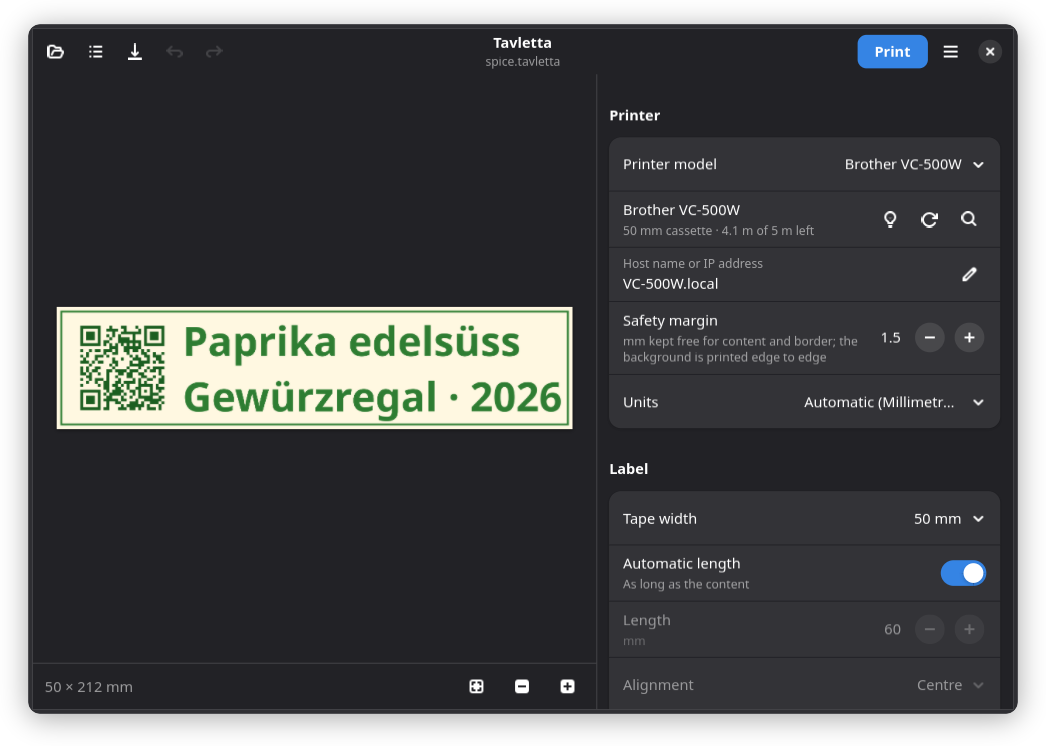
- 27 languages, follows the light or dark mode of the desktop
The supported printers and what each one can do are listed under Printers. Further printers can be added as a backend, see Contribute.
Install
Flatpak
Flathub is in preparation. Until then, build it yourself:
git clone https://git.joshuahirsig.xyz/joshii/tavletta.git && cd tavletta
flatpak install --user flathub org.gnome.Sdk//51 org.gnome.Platform//51
flatpak-builder --user --install --force-clean build-dir \
    build-aux/flatpak/xyz.joshuahirsig.Tavletta.yml
install.sh
Install the system packages, then run the script as your user (no root):
| Distribution | Packages |
|---|---|
| Debian, Ubuntu | python3-gi gir1.2-gtk-4.0 gir1.2-adw-1 python3-gi-cairo python3-venv gettext |
| Fedora | python3-gobject gtk4 libadwaita python3-cairo gettext |
| Arch | python-gobject gtk4 libadwaita python-cairo gettext |
| Gentoo | dev-python/pygobject gui-libs/gtk:4 gui-libs/libadwaita dev-python/pycairo sys-devel/gettext |
git clone https://git.joshuahirsig.xyz/joshii/tavletta.git && cd tavletta
./install.sh
Uninstall: ./install.sh --uninstall or flatpak uninstall xyz.joshuahirsig.Tavletta.
Saved labels and templates are kept.
First label
- Switch the printer on and choose it under Printer model. Tavletta finds it in the network (Bonjour) and reads what is loaded: the tape width or the distance between the labels.
- Not found? Enter the address under Host name or IP address, e.g.
printer.localor192.168.1.50. New printer: connect it to the network first, see Printers. - Add text, an image or a code, then Print.
- Save stores the label as
.tavlettafile, Save as template… adds it to Templates.